Reverse Engineering Figma: The Product Decisions Behind the World's Most Collaborative Design Platform
Figma didn't become the world's leading design platform by helping people design interfaces. It won by making collaboration feel effortless.
Team Ktisis
Product engineers, New Delhi
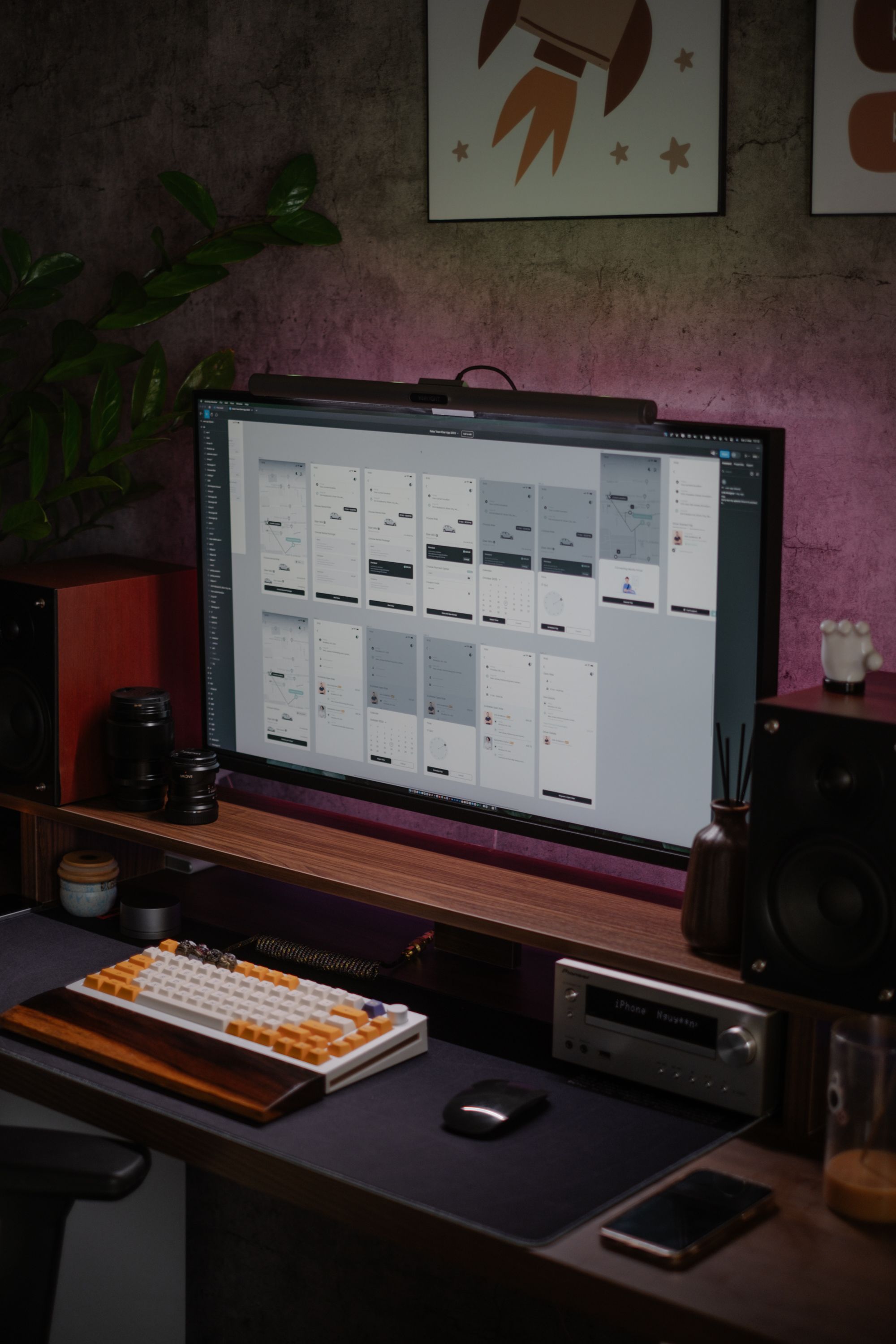
This is the seventh article in our Reverse Engineering Great Products series, analyzing the product decisions behind one of the world's most successful collaborative design platforms.
Every founder wants users to collaborate. Very few understand what collaboration actually feels like.
Most products add collaboration through comments, notifications, or shared workspaces.
Figma made collaboration the product itself.
Whether it's a solo founder designing their first MVP or a global product team shipping features across continents, teams choose Figma because everyone can work together without thinking about files, versions, or handoffs. That experience didn't happen by accident. It's the result of thousands of deliberate product decisions that remove friction before users even notice it.
As a venture focused on product development and acting as a product engineering partner for startups, we often study successful products—not to copy them, but to understand the decisions that made them category leaders.
This week, we decided to reverse engineer Figma's product experience.
The Product Doesn't Sell Design. It Sells Alignment.
Most founders assume they're choosing a design tool. In reality, they're choosing a way for their teams to work together. Designers, developers, product managers, founders, marketers, and clients all need a single source of truth. Every outdated file creates confusion, every conflicting version delays decisions, and every broken handoff slows product development.
Figma understands that the biggest challenge isn't creating beautiful interfaces—it's keeping everyone aligned.
Nearly every product decision inside Figma is designed to reduce communication overhead. Live collaboration, shared files, comments, version history, and multiplayer editing all exist to ensure every stakeholder is working from the same canvas.
Users don't pay for a design tool.
They pay for alignment.
Real-Time Collaboration Is the Product.
Many software companies added collaboration as an additional feature after their products became successful.
Figma started with collaboration at its core.
Instead of emailing design files, uploading multiple versions, or asking someone to send the latest file, everyone edits the same document simultaneously.
Similar to how Google Docs transformed writing, Figma transformed design by making collaboration happen in real time.
Design reviews become faster, feedback becomes contextual, developers always work with the latest version, and conversations happen inside the product instead of across emails or meetings.
Collaboration isn't simply one capability among many.
It's the foundation upon which the entire product is built.
The Browser Removed a Huge Barrier.
For years, professional design software required installations, operating-system compatibility, frequent updates, and powerful hardware.
Figma challenged a simple assumption: why should great software depend on where it's installed?
By moving entirely to the browser, it removed countless barriers to entry.
Users can open a link, start designing, and invite teammates within minutes.
There's no installation process, no version mismatch, and no compatibility issues slowing teams down.
Sometimes the most impactful innovation isn't introducing a revolutionary feature.
It's removing the friction that prevents people from getting started.
Design Systems Become Organizational Memory.
Many startups think of components as reusable interface elements.
Figma treats them as reusable decisions.
Design systems become the collective memory of an organization, ensuring colors remain consistent, typography scales correctly, components behave predictably, and every new screen builds upon decisions already made.
The result isn't simply faster design work.
It's greater consistency across an entire product.
As companies grow, maintaining consistency becomes significantly more valuable than constantly reinventing every interface.
Figma makes that consistency easy to achieve.
Developers Aren't an Afterthought.
Many design tools stop once the mockups are complete.
Figma continues into implementation.
Developers can inspect spacing, copy CSS values, export assets, understand layouts, and review interactions directly from the same file designers use.
The handoff becomes dramatically smoother because designers and developers are no longer working in separate environments.
There's less interpretation, less guessing, and fewer implementation errors.
Figma recognizes that developer experience is just as important as designer experience because both contribute to the quality of the final product.
Every New Product Feels Like a Natural Extension.
Over the years, Figma has expanded far beyond interface design with products like FigJam, Dev Mode, Slides, Variables, AI, and advanced prototyping capabilities.
What's impressive isn't simply the number of products they've launched.
It's how naturally each one fits into a customer's workflow.
Teams brainstorm before they design, prototype before they build, collaborate before they ship, and present before they launch.
Instead of forcing customers to assemble disconnected tools, Figma continues solving the next logical problem teams encounter as they grow.
That's ecosystem thinking.
Growth doesn't always come from acquiring new customers.
Sometimes it comes from helping existing customers solve increasingly complex challenges.
If We Were Building It Today...
Rather than suggesting changes to one of the world's best-designed products, we'd explore a few experiments.
We'd experiment with a founder-focused workspace that translates design activity into business insights by highlighting onboarding friction, frequently revised screens, usability concerns, and areas where product decisions are slowing development.
We'd also explore outcome-based onboarding. Most users don't think, "I want to create frames." They think, "I want to design my MVP" or "I need a landing page." Starting with user goals instead of design tools could reduce friction even further.
Another opportunity would be progressive capability discovery. Instead of exposing advanced features like Auto Layout, Variables, Components, and Dev Mode immediately, the interface could introduce them naturally as users become more experienced.
Finally, we'd explore a product intelligence layer that surfaces design bottlenecks, identifies inconsistent components, recommends UX improvements, and helps teams make better product decisions using the design data already flowing through the platform.
Final Thoughts
Figma's greatest lesson has very little to do with interface design.
It's about reducing coordination costs.
Every interaction removes friction.
Every feature improves communication.
Every workflow eliminates unnecessary effort.
The product doesn't ask teams to adapt to the software.
It adapts the software to how modern teams naturally collaborate.
The best products rarely succeed because they offer the most functionality.
They succeed because they make working together feel effortless.
Related Insights
View AllKtisisLabs: Your Product Engineering Partner
Build your startup product without building an extensive engineering team — product strategy, technical leadership, and lean senior engineering focused on business outcomes.
Read Artificial IntelligenceIndia’s AI Renaissance: Building the Future at Scale
How India is rapidly emerging as a global AI powerhouse through innovation, infrastructure, and ambitious startups.
Read